Free Figma plugin
Import vectors & SVGs from any URL into Figma
Stop downloading and re-uploading SVGs. getVector lets you grab vector icons and graphics from any website and pull them straight into your Figma canvas.
Free Figma plugin
Stop downloading and re-uploading SVGs. getVector lets you grab vector icons and graphics from any website and pull them straight into your Figma canvas.
getVector streamlines the process of finding and importing vectors so you can focus on designing, not file management.
Drop any website URL and getVector scans the page to find all available SVG assets, including inline SVGs and linked files.
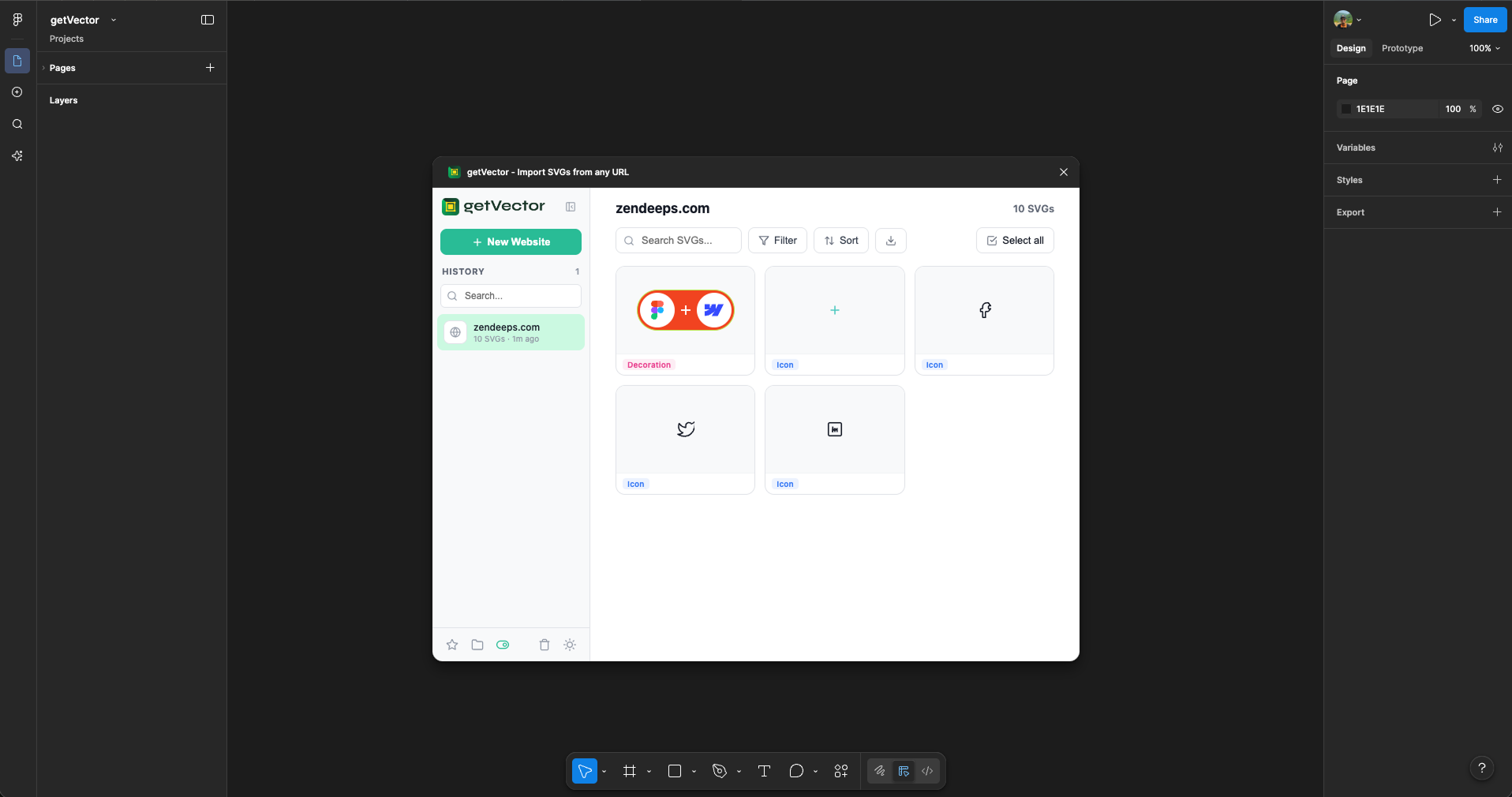
See thumbnails of every detected SVG before importing. Pick exactly the icons and vectors you need — no guesswork involved.
Select the SVGs you want and import them directly onto your canvas with a single click. They arrive as editable vector layers.
Imported SVGs land as fully editable Figma vector nodes. Recolor, resize, and reshape them just like any native Figma element.
Select multiple SVGs at once and import them all in one go. Perfect for pulling entire icon sets from component libraries.
No data is collected or sent to external servers. Everything runs locally inside your Figma environment — your designs stay private.
From URL to canvas in under 10 seconds. No accounts, no setup, no hassle.
Open the plugin in Figma and paste the URL of any website that contains SVG icons or graphics you want to use.
getVector scans the page and shows you a visual grid of all discovered SVGs. Click to select the ones you need.
Hit import and your selected SVGs appear on the canvas as fully editable vector layers, ready to use in your designs.
Whether you're building a design system or mocking up a quick prototype, getVector saves you time.
Import icons from Heroicons, Lucide, Phosphor, or any icon library website directly into your Figma file.
Quickly grab SVG assets from competitor sites for reference, moodboards, and competitive analysis decks.
Pull company logos and brand SVGs from any public website to include in partnership decks or landing pages.
Bootstrap your design system with existing open-source icon sets — import, customize, and componentize in one flow.
Free, fast, and built for designers. Install getVector from the Figma Community and streamline your workflow.
Install on Figma — It's Free